Every vehicle moves air a little differently. Calibration teaches pump.is how your compressor, tires, and hoses behave so it can reach the requested pressure accurately and reliably.
Open Settings → System Calibration.
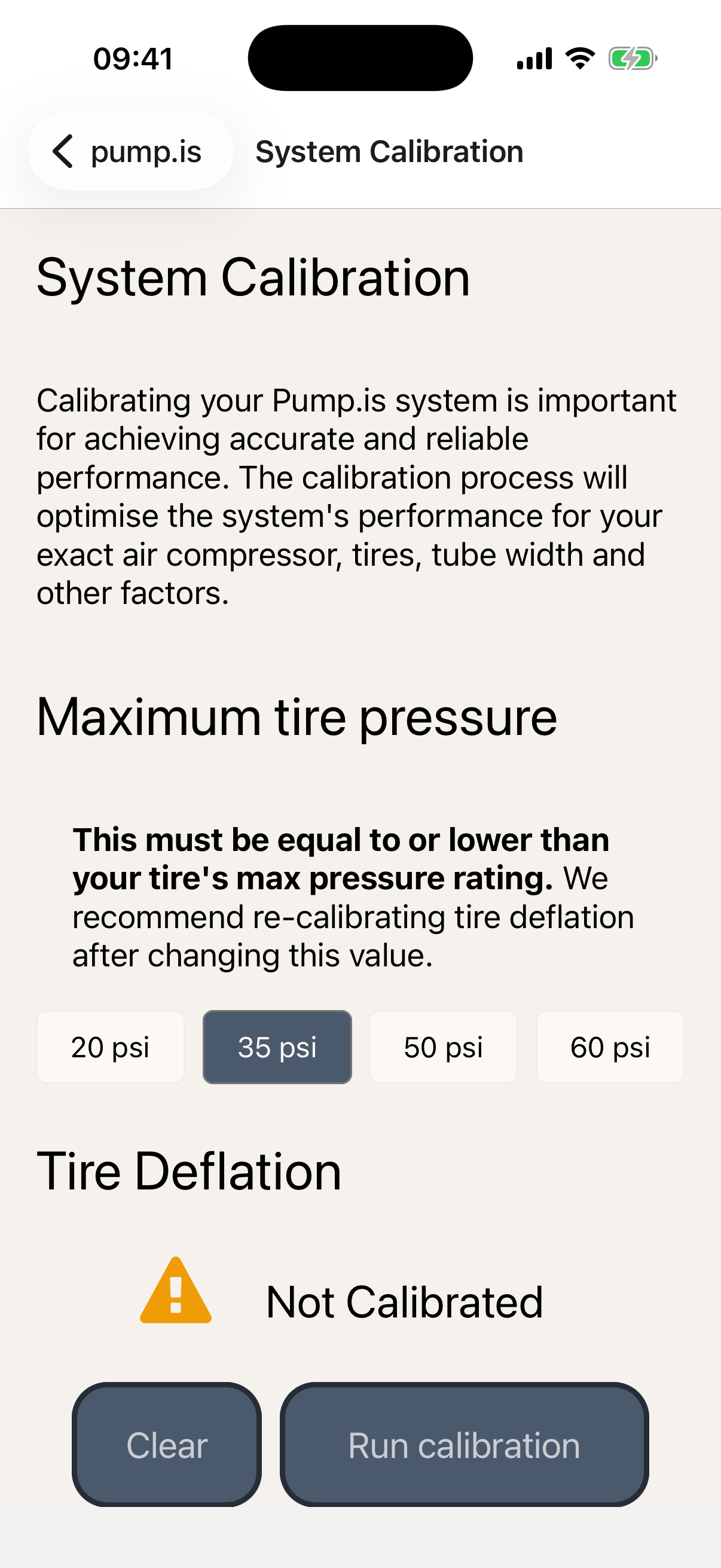
Set the maximum tire pressure first
Before running calibration, check Maximum tire pressure at the top of the screen. Choose 20, 35, 50, or 60 PSI.
Calibrate tire inflation and deflation
Tap Run calibration under Tire Inflation or Tire Deflation.
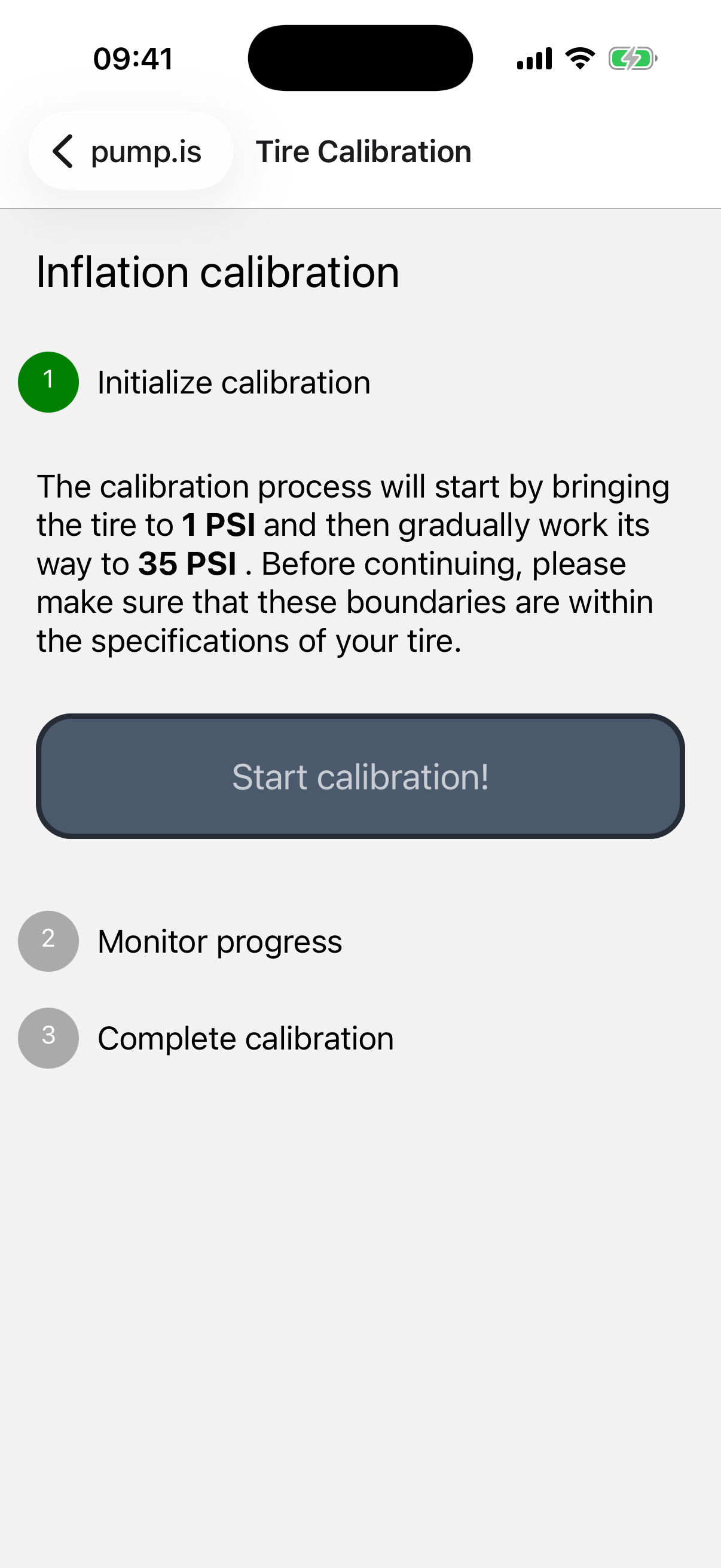
Inflation
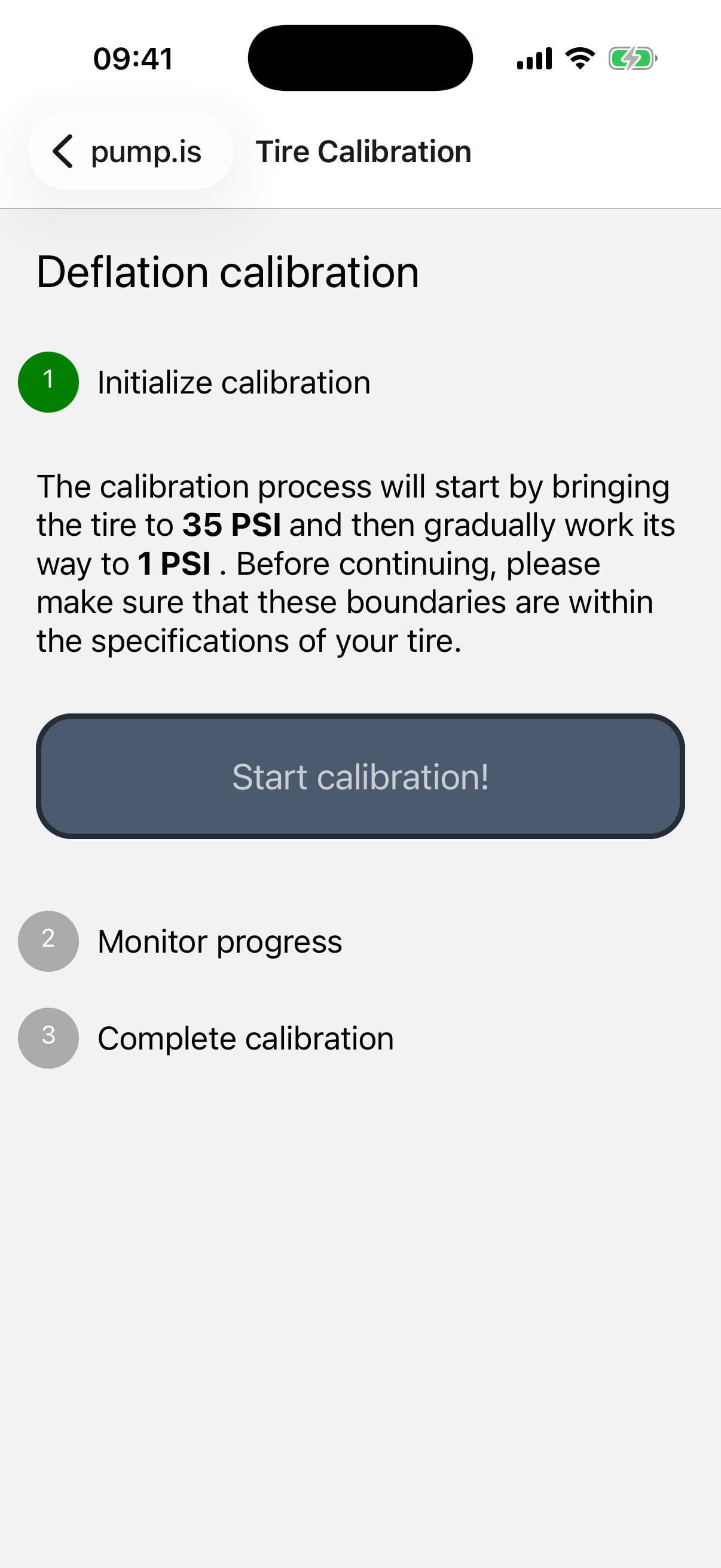
Deflation
The app shows the pressure range it is about to test. Check that the full range is safe for your tires, then tap Start calibration!.
The controller moves a tire to the starting pressure, works toward the other end of the range, and plots the measured pressure as it goes. One tire is measured directly; the saved calibration is then used for the whole set.
When the run completes, review the curve and tap Save. If a required condition is not met, the app stops and tells you what needs attention.
Leaving the screen before the routine finishes interrupts it. That is harmless, but you will need to start that calibration again.
Calibrate air suspension
If the vehicle has air suspension connected to pump.is, tap Run calibration under Suspension.
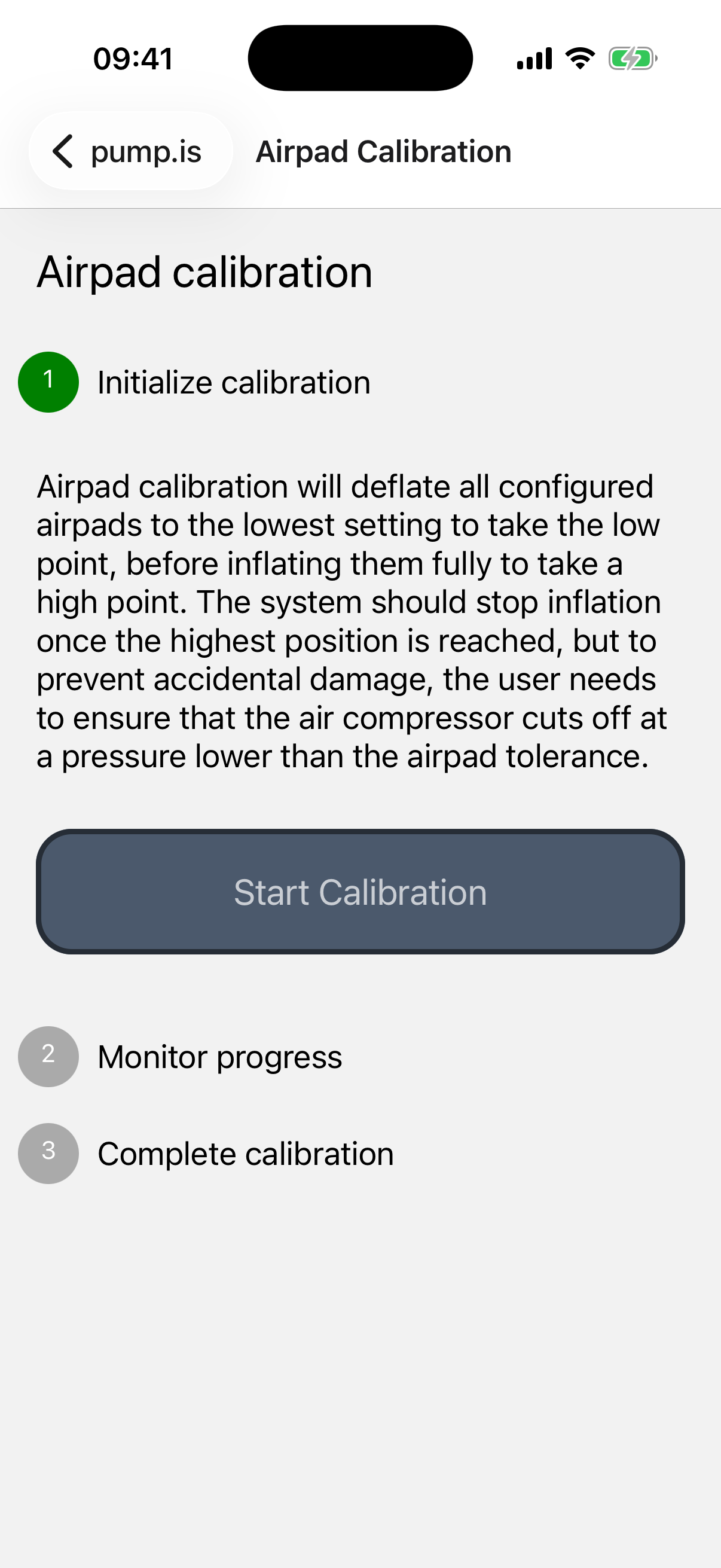
The routine fully lowers the configured airpads to measure the low point, then inflates them to measure the high point.
Tap Start Calibration, let both stages complete, then save the result.
This calibration records the low and high points; it does not choose your Ride height. Set that afterward from the Advanced air suspension controls.
Clear an old tire calibration
The Clear button under Tire Inflation or Tire Deflation removes the custom calibration for that direction and returns to the system defaults. The app asks you to confirm first.
Use this when you know the old calibration no longer matches the vehicle—for example after a meaningful change to the compressor or tire setup. Run a new calibration afterward rather than leaving the system on defaults.